DIRECT ANSWER
Should a brand choose AI or 3D character animation?
Choose the workflow around what must stay consistent and what you need to change. Generative video can be useful for exploring a look or producing a short shot that passes a defined review. An editable 3D character gives artists explicit control over geometry, rig, camera, lighting and performance, which can be valuable for recurring campaigns and precise revisions. AI tools can also support a 3D production: these are overlapping workflows, not mutually exclusive visual styles.
A mascot looks convincing in a still. Then the brief asks it to pick up a product, say a line, turn toward a second camera and return for next month’s campaign. The useful question is no longer simply “Can we make this move?” It is “Can we approve it, revise it and use it again?”
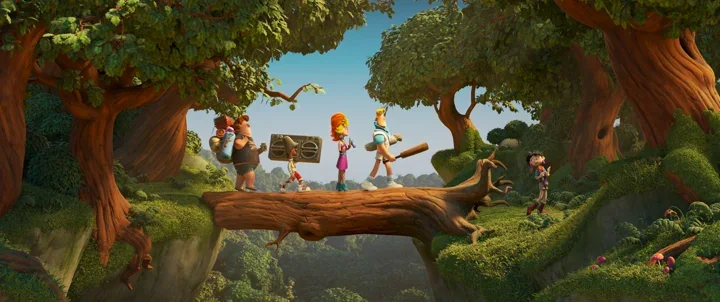
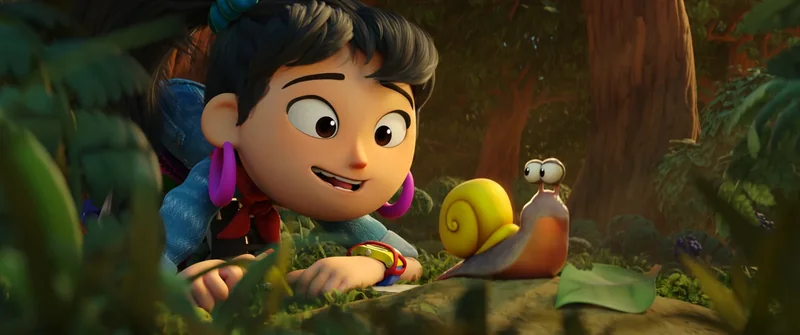
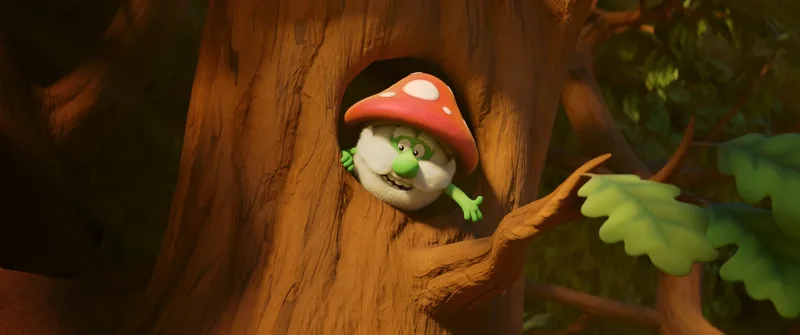
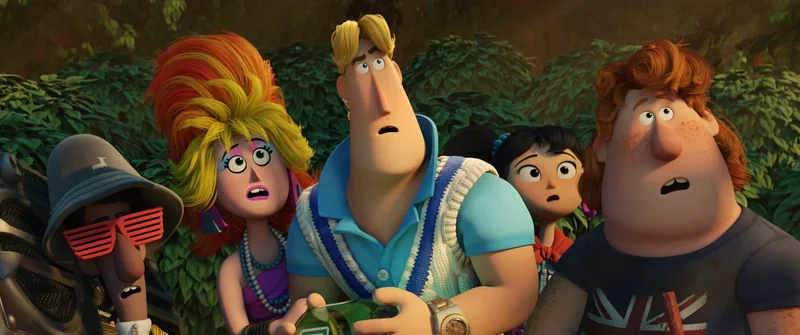
This guide compares those production decisions for brand teams and agencies. The scenarios are hypothetical briefs, not reported client outcomes or a benchmark of particular generators. The licensed Blender Studio images illustrate 3D character work; they are not AI outputs or Mimic Cartoon projects.
What “AI animation” and “3D animation” mean here
Here, generative-video animation means producing moving images from prompts, reference images or other guidance, then selecting and editing the results. The amount of control depends on the specific model and workflow. For example, Adobe documents image-guided video generation and camera controls in its image-to-video workflow. A reference can guide generation, but an approved still does not by itself establish that every later frame meets the brief.
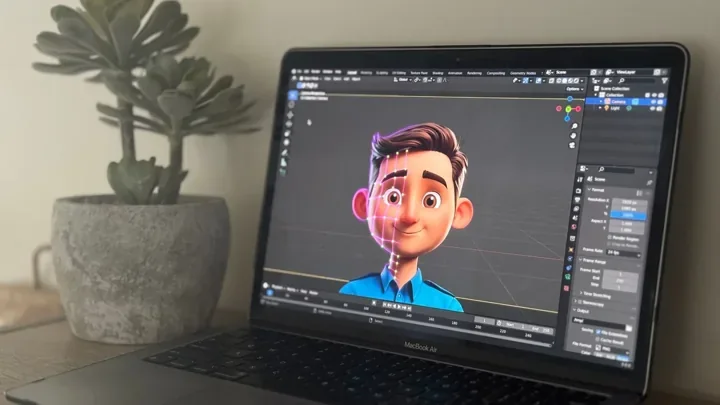
Editable 3D character animation starts from assets such as a model, materials and a rig. Artists pose the character, set timing and cameras, light scenes and render images. Blender’s armature documentation explains the skeleton used to pose and deform a character. Not all 3D motion uses a skeleton, but this is a common foundation for body performance.
AI-assisted concept work, motion tools or finishing may sit inside that production. A mixed workflow therefore needs a shot-by-shot description, not just an “AI” label. Our AI animation guide covers the broader terminology; the 3D animation pipeline guide explains the production stages.
The subject is timely: Adobe and Disney announced a collaboration on custom models on 9 November 2026, including models informed by Disney’s characters, environments and visual styles. That is evidence of investment in controlled creative workflows, not proof that a general-purpose tool can reproduce the same capability for every brand. See the official announcement.
Compare the decisions that affect approval
| Decision | Generative-video workflow | Editable 3D workflow |
|---|---|---|
| Character identity | Review proportions, markings and costume throughout each shot and across shots. | Reuse the approved model and materials; still check deformation, lighting and rendering. |
| Precise revisions | A change may require another generation or additional editing. Available controls vary. | Adjust the relevant control, animation curve, object or material; allow for downstream effects. |
| Product interaction | Test contact, grip, scale and label readability in the actual proposed workflow. | Stage the product and character together; animate and review contact deliberately. |
| New camera angles | Assess whether new views preserve the approved identity and scene relationships. | Reposition the camera in the scene; unseen surfaces and composition may still need work. |
| Campaign reuse | Retain approved references and workflow records; future model changes may affect reproducibility. | Retain compatible scene files, assets and dependencies, with agreed usage and source-file delivery. |
| Budget | Include selection, retries, cleanup, editing and review alongside tool costs. | Include asset setup, shot work, rendering, revisions and maintenance across the intended campaign. |
Neither column is an automatic quality guarantee. A weak rig can produce poor contact, while a carefully directed generated shot may satisfy a simple brief. Compare an approved result and a realistic revision request, not only an attractive first frame.
Character consistency is more than a matching face
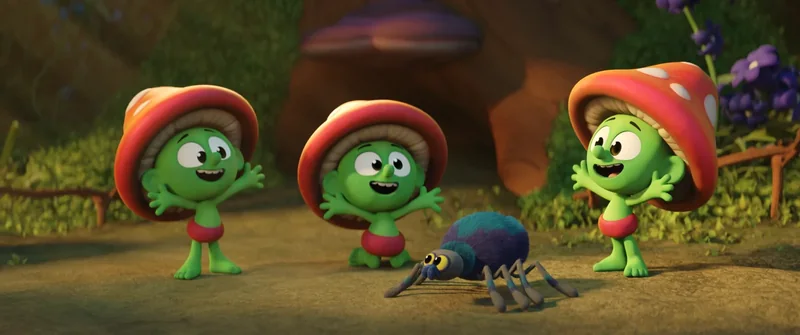
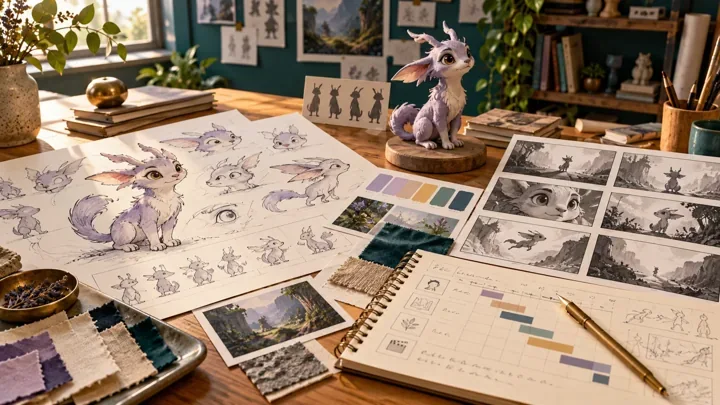
For a brand mascot, recognition can depend on small details: the curve of the ears, a jacket fastening, a particular smile or the proportions of a hand. Create a short approval sheet that separates fixed identity from allowed variation. A jacket’s colour may be fixed; the expression and pose should vary with the scene.
Then inspect the transitions. Does the face retain its structure while turning? Does a badge change shape? Does a prop switch hands? Does the silhouette remain recognisable in the mobile crop? Check at normal playback speed and on selected frames; a contact error that is hard to notice in a still can be distracting in motion.
In 3D, asset reuse helps preserve the underlying design, but it does not eliminate review. Extreme poses, facial deformation or a new light setup can change the character’s appearance. In a generative workflow, reference controls may help, but their adequacy must be established against the required shots. A useful starting point for either route is a character turnaround sheet with approved views and expression references.
Run a revision test before choosing the workflow
Use a small, representative shot rather than the easiest shot in the campaign. A hypothetical test might show a mascot lifting a box, looking at the camera and reacting. Keep the box design, camera framing and approval criteria identical when comparing proposals.
- Define the non-negotiables: approved proportions, correct product, readable label, hand contact and a clear final pose.
- Review the first pass: identify whether failures are cosmetic, performance-related or structural.
- Request one isolated revision: for example, delay the look toward camera while retaining the grip and framing.
- Check what else changed: assess whether the revision disturbed approved details, contact or timing.
- Record actual effort: include artist time, rendering or generation, cleanup and stakeholder review.
This is a proposed evaluation method, not a test we have run for this article. Its value is in revealing the work needed to reach approval. When precise posing or facial performance is central, discuss the model and controls with the character rigging team before committing to a large shot list.
Compare total production effort, not subscription prices
A tool subscription and a finished animation quote cover different things. A useful budget includes concept decisions, character preparation, shot development, feedback, finishing and delivery. Generation costs are only one part of a generative workflow; model and rig creation are only part of a 3D workflow.
For a single short shot, building a sophisticated reusable rig may add work the brief does not need. For a recurring character, that setup may support later performances. It will not make future campaigns free: new shots, sets, props, voice tracks and creative changes still require production time.
Ask each supplier to price the same scope: one approved character, the same actions, runtime, aspect ratios, review rounds, audio requirements and deliverables. Separate initial asset work from shot production and later adaptations. If one quote includes editable source files and another includes only finished video, they are not equivalent offers.
A simple planning model is: setup + shot production + revisions + finishing + future adaptations. Record the assumptions for each part. Our animation cost guide explains why runtime alone is an incomplete basis for a quote.
Three brand briefs, three sensible starting points
A short social concept with flexible action
A brand wants to explore the mood of a six-second mascot reveal. There is no spoken dialogue or exact product demonstration, and the action can change during development. A generative-video test may be worth evaluating. Agree what must remain consistent and how many review cycles the test includes. Keep approved branding as separately controlled graphic elements where appropriate.
A recurring mascot campaign
The same character must appear in multiple films, hold different products and deliver revised lines over several months. An editable 3D asset is a strong candidate to evaluate because the brief values repeatable identity and directed revisions. Plan the rig around anticipated actions rather than assuming one attractive model is already animation-ready. Explore animated commercials and brand characters for campaign production.
A precise product demonstration
A character must turn a device, press a named control and show a specific result. The product’s dimensions and action sequence are approval-critical. A controlled 3D scene can support this requirement; any generated contribution should pass the same accuracy checks. If the character later needs to react inside an app, commission suitable interactive assets and implementation support: rendered video alone does not supply that behaviour.
These are starting points for discussion, not universal rules or quoted projects. Existing assets, visual ambition and delivery requirements can change the decision.
Where an AI-assisted 3D workflow can make sense
A production can use AI-assisted visual exploration while retaining a modeled character for final performance. Another may use a 3D scene for camera planning and compositing references. The handoff needs to specify which elements are authoritative: approved design, model, timing, product geometry and final image.
Ask for a list of tools and their roles, the material supplied to them, what will be manually reviewed and what files you receive. Check the applicable terms and permissions for your actual inputs and intended use. Do not assume a tool’s commercial-use label resolves every rights question or permits uploading confidential unreleased assets.
This differs from hybrid 2D and 3D animation, which describes mixing visual production techniques. “Hybrid” should always be unpacked into specific work so the quote and approvals are understandable.
What to send an animation studio
- Audience and purpose: what viewers should understand or do.
- Character references: approved artwork, model files and which assets you have permission to use.
- Required actions: speaking, product handling, close-ups and camera moves.
- Delivery: runtime, aspect ratios, languages and whether assets must work interactively.
- Reuse: one campaign or recurring work; finished video or editable assets.
- Approvals: decision makers, review stages, target date and budget range.
Use the animation brief guide to assemble these details. If you already have a model, include the software version, rig information and a short movement test so the studio can assess whether it supports the requested performance.
Frequently asked questions
Is AI animation the same as 3D animation?
No. AI describes tools or methods that may assist or generate content; 3D describes working with dimensional scenes and assets. A 3D production can use AI tools, and a generated video can have a 3D-looking style without delivering an editable 3D model.
Is AI character animation always cheaper?
No. Compare the total effort required to approve the same brief, including retries, editing, cleanup and revisions. Generative video may suit a simple short shot; reusable 3D assets may be useful across recurring work. Neither approach has a universal cost advantage.
Can an AI-generated mascot stay consistent across videos?
Reference images and other controls can help, but results depend on the model and workflow. Test the actual character through required poses, camera changes and revisions before approving a campaign. Keep a clear identity sheet and inspect the finished shots.
Can a 3D character be reused for future campaigns?
Often, if the design, rig, file compatibility and usage permissions support the new work. Confirm source-file delivery and dependencies. New props, actions, clothing or technical targets may still require changes and additional production work.
Which approach is better for a talking brand mascot?
Evaluate the required performance, lip sync, revision precision and reuse. A suitable facial rig offers explicit animation controls; generative or performance-driven tools should be tested against the same approved voice track and character requirements.
What should I provide to get an accurate quote?
Share the character references, required actions, runtime, platforms, languages, deadline and available assets. Explain the intended reuse and revision process. Ask the studio to separate asset preparation, shot production and delivery costs.
Conclusion: choose the control your character needs
A useful comparison starts with the performance and the approval process. Test the hardest requirement, request a realistic revision and evaluate the complete effort to deliver it. A good-looking preview is a starting point; a production workflow must also support the decisions that come next.
For a new mascot, explore character design and modeling. For an approved character that needs to act, explore 3D character animation. Share your character reference and campaign brief so we can discuss the assets, performance and delivery your project needs.
Image credits and sources
Hero and three body images: Sprite Fright, Blender Studio / Blender Foundation, from the official film project and its Frames Selection press asset (5940). Licensed under Creative Commons Attribution 4.0. Images were resized and converted to WebP; the social preview adds Mimic Cartoon typography. No endorsement or Mimic production contribution is implied. These are traditional 3D film stills, not generated-video examples.