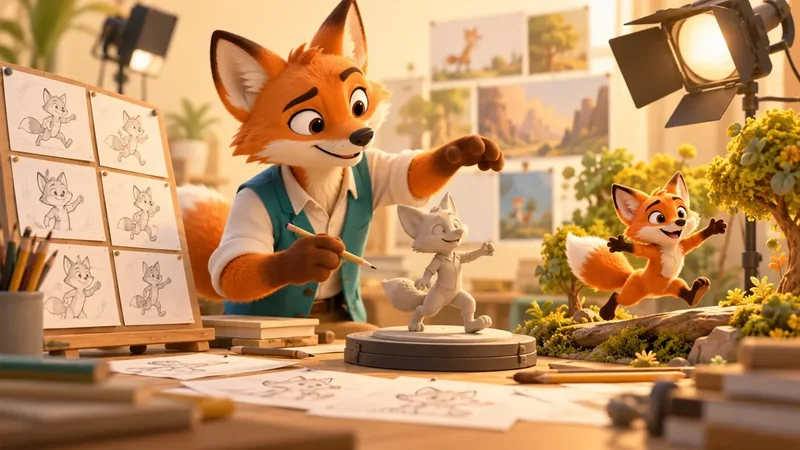
What is AI animation and how does it work?
AI animation uses machine learning to generate moving images or assist tasks such as motion capture, lip sync and animation cleanup. Artists provide a brief and reference material, select useful results, refine the performance and check the finished sequence. It can speed up exploration, but consistent characters, precise revisions and production-ready delivery still need human direction.
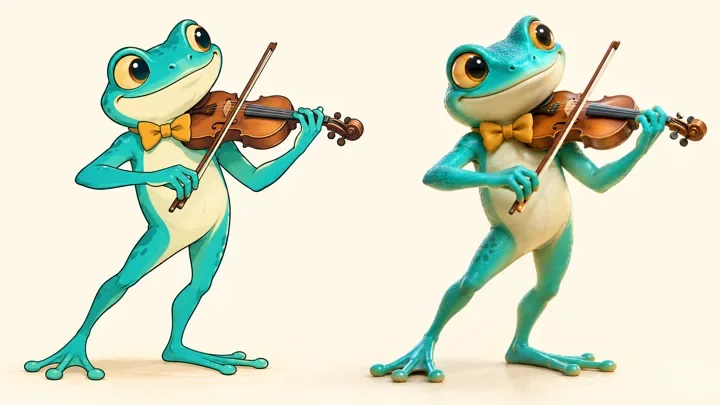
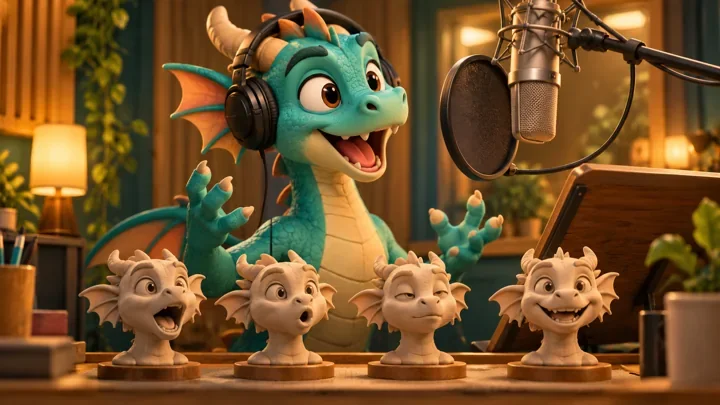
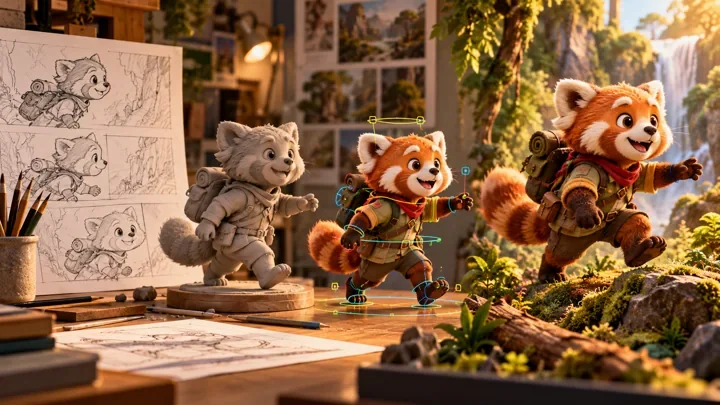
This guide explains how AI-assisted animation works, where it can help and where it can create extra work. It is written for producers, brands and creative teams planning films, series or campaigns. Unlike our guide to AI cartoon characters and interactive avatars, the focus here is creating and finishing animated footage. The original AI-generated illustrations explain production concepts; they are not software screenshots or examples of client work.
Table of Contents
How does AI animation work?
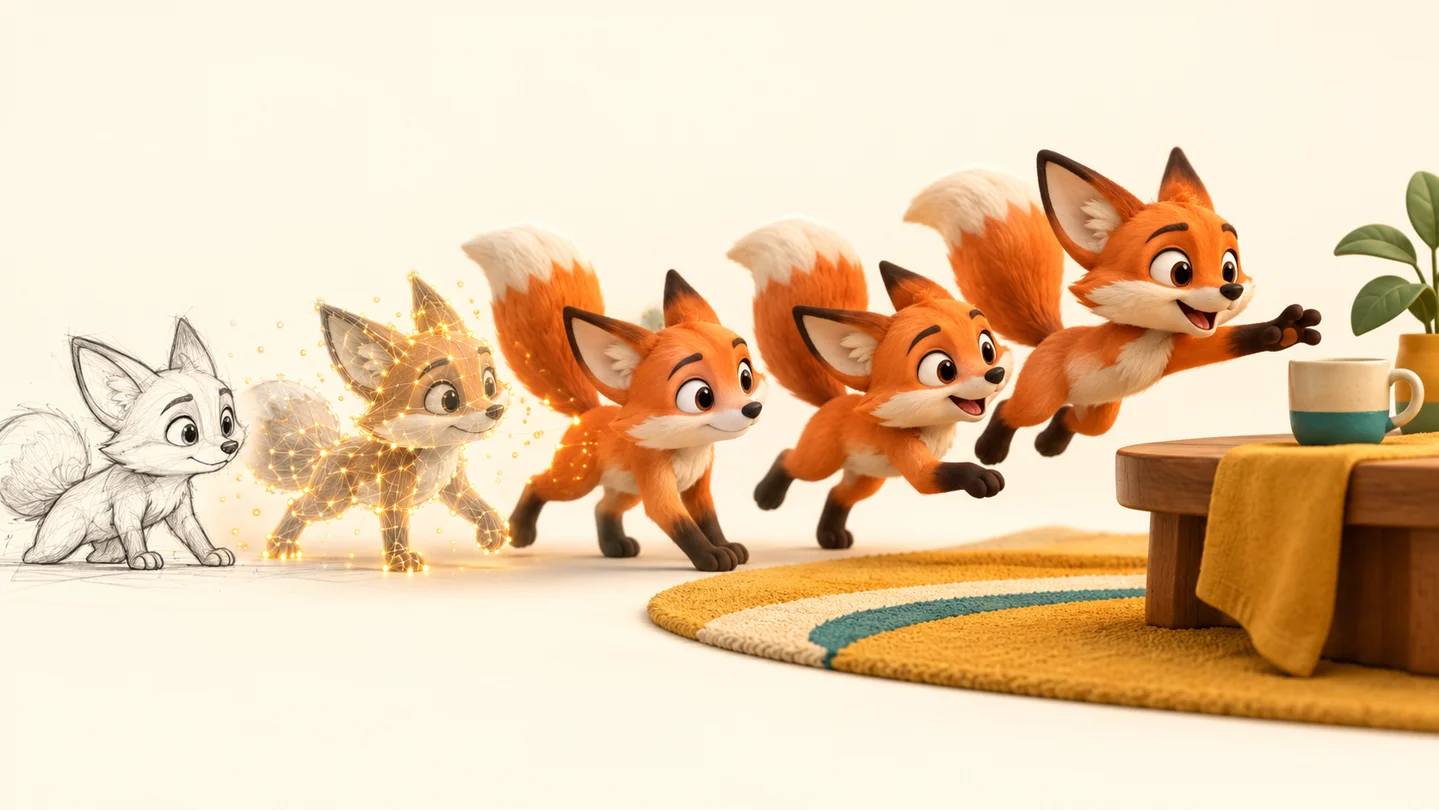
AI animation describes several different workflows. Generative video systems produce sequences of images from instructions and reference material. Other systems estimate movement from recorded footage or map speech to mouth shapes. These outputs are different: a finished-looking video clip does not necessarily contain an editable character, skeleton, camera or scene. Establish the output you need before choosing a tool.
- Text-to-video: a written prompt describes a subject, action, setting and camera behavior. The system generates a clip that interprets those instructions. This can be useful for exploring visual directions, but a prompt is not a precise animation timeline.
- Image-to-video: a still image provides a visual starting point for generated motion. Adobe’s image-to-video documentation describes using an uploaded image as a first frame. Starting from an approved design can help establish appearance, although it does not guarantee identical details throughout a sequence.
- AI motion capture: software estimates a performer’s movement from footage and produces motion data. Autodesk describes markerless motion capture in Flow Studio as editable and exportable. Artists still need to check the transfer onto a particular character, especially contact, proportions and expressive timing.
- Task-specific assistance: tools may help with speech-driven facial movement, cleanup or related production tasks. Support varies by product and version. A convincing mouth movement alone does not supply eye direction, intention or the rest of a performance.
In a conventional 3D workflow, artists build a model, add a rig, create movement and render images from the scene. AI can assist individual stages without replacing this structure. A team may use captured motion as a starting point, then refine poses with keyframes. Our 3D animation pipeline guide explains how those stages connect and why approvals at one stage affect the next.
Consider a cartoon fox picking up a cup. A generated clip may convey the action quickly, while a reusable 3D scene gives the animator direct control over fingers, cup placement, silhouette and camera. If the fox must repeat the action across episodes, that control becomes valuable. Compare the ability to revise the shot, not only the appeal of the first result. Keep tool capability claims separate from what has actually been tested on your assets.
What does an AI animation workflow look like?
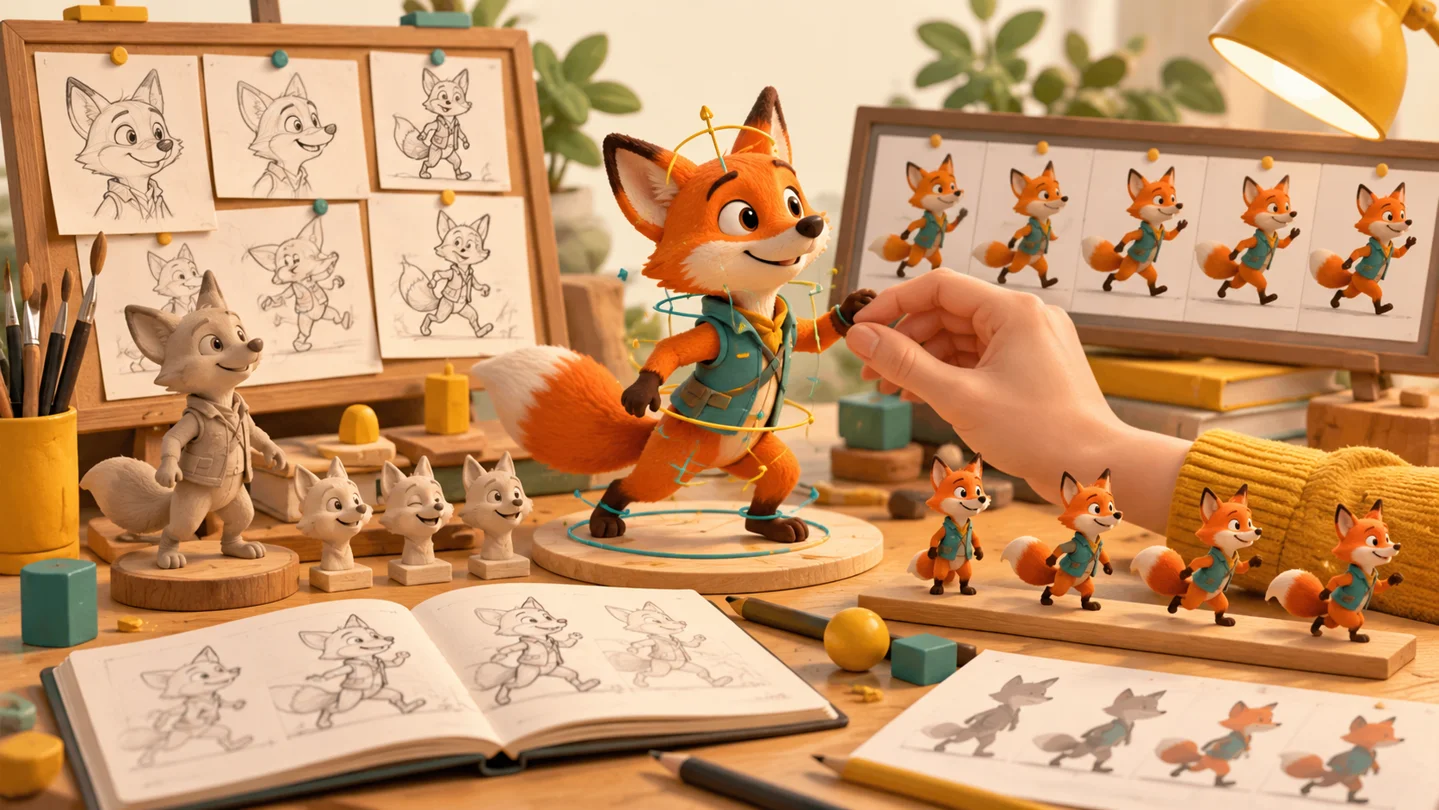
A dependable workflow starts with the audience and story. Define the message, runtime, visual style, platforms and delivery formats before generating material. Decide whether you need a one-off clip, a repeatable character system or editable production files. Include approval owners and revision limits in the animation production brief. These decisions determine whether generative footage, a 3D workflow or a combination is suitable.
- Plan the sequence. Write the action and divide it into shots. Establish what viewers need to understand in each shot, where the camera sits and how long the moment lasts. Use an animatic to test pacing before polishing images. The distinction between storyboards and animatics matters because attractive individual frames can still produce an unclear edit.
- Approve references and inputs. Collect character views, expression references, colors, environments and any performance footage. Confirm permission to use the material and the people or voices it contains. Keep a dated record of approved references so later generations and artist revisions can be compared against the same target.
- Run a representative test. Choose a difficult shot, such as a close-up with dialogue or a hand interacting with a prop. Test whether the selected approach maintains the design, supports the intended motion and permits changes. A successful atmospheric wide shot does not demonstrate that a dialogue scene will work.
- Create and refine the animation. Generate candidate footage or extract motion, select useful results and correct them. For editable 3D character animation, inspect retargeting, foot placement, balance and facial behavior. For generated video, check every cut and reject shots with persistent visual changes that cannot be corrected economically.
- Finish and deliver. Edit the sequence, integrate sound, match color and check the export. Review captions, audio synchronization, aspect ratios, frame rate and compression on the intended screens. Keep approved masters, source assets and version records according to the project agreement.
As a planning example, imagine a fifteen-second mascot film with three shots: an introduction, a product interaction and a closing reaction. AI-assisted exploration could help the team discuss mood and motion before production. The interaction shot may still need a rigged character and carefully authored contact. This is a hypothetical workflow, not a claim about a completed studio project or a guaranteed time saving.
For a speaking character, settle the dialogue recording before final facial animation wherever possible. Changing the voice performance late can affect shot duration, mouth timing and reactions. Our lip-sync production guide explains the relationship between sound and character performance. Review the entire scene at normal playback speed as well as individual frames; both reveal different problems.
What are the benefits of AI animation?
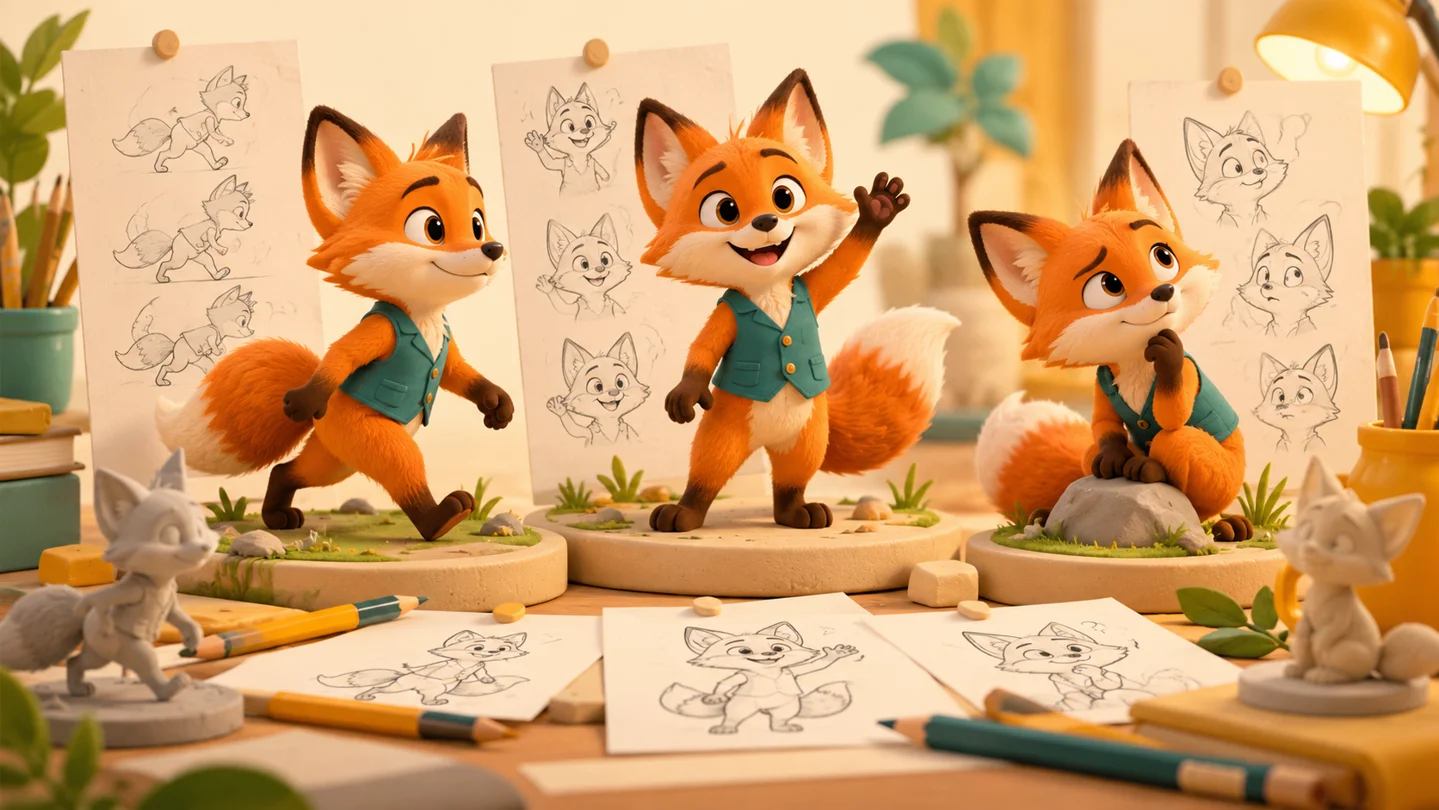
The strongest benefit is often earlier creative feedback. Teams can explore possible looks, actions or scene ideas before committing to detailed production. That can help a director and client identify what they mean by a reference, especially when words alone leave room for interpretation. These tests are decision-making material; they should not be confused with a promise that the final animation will be effortless to reproduce.
- More informed exploration: quick experiments can reveal that a proposed camera move, composition or mood is unsuitable before substantial asset work begins. Save the reasoning behind the chosen direction, not only the chosen image.
- A starting point for movement: AI motion capture can provide performance information for artist refinement. Its usefulness depends on the footage, visibility of the performer, character proportions and quality required. It does not remove the need to understand animation.
- Focused assistance: automating a suitable repetitive task can leave more time for judgment, acting and finish. Measure the full task, including setup, review and corrections, rather than the generation step alone.
- Accessible early experiments: small teams can test some ideas before investing in a larger production. The resulting prototype can make a brief clearer even when the final work uses a different technique.
Benefits should be evaluated against accepted output. Track how long it takes to produce an approved shot, how many attempts are rejected, how much cleanup is required and whether the result can be revised. Include subscriptions, generation credits, artist time and review time in the comparison. A tool that produces a clip quickly can still be expensive if the team repeatedly rebuilds it after small changes. Our animation budgeting guide explains why scope and deliverables matter more than runtime alone.
A useful pilot compares two approaches on the same short sequence and the same acceptance criteria. Check continuity, performance, revision flexibility and final delivery quality. Record what worked and where intervention was needed. This produces a project-specific decision instead of an unsupported claim that AI animation is always cheaper or faster. It also helps separate a workflow improvement from a novelty that adds another approval step.
What are the limitations of AI animation?
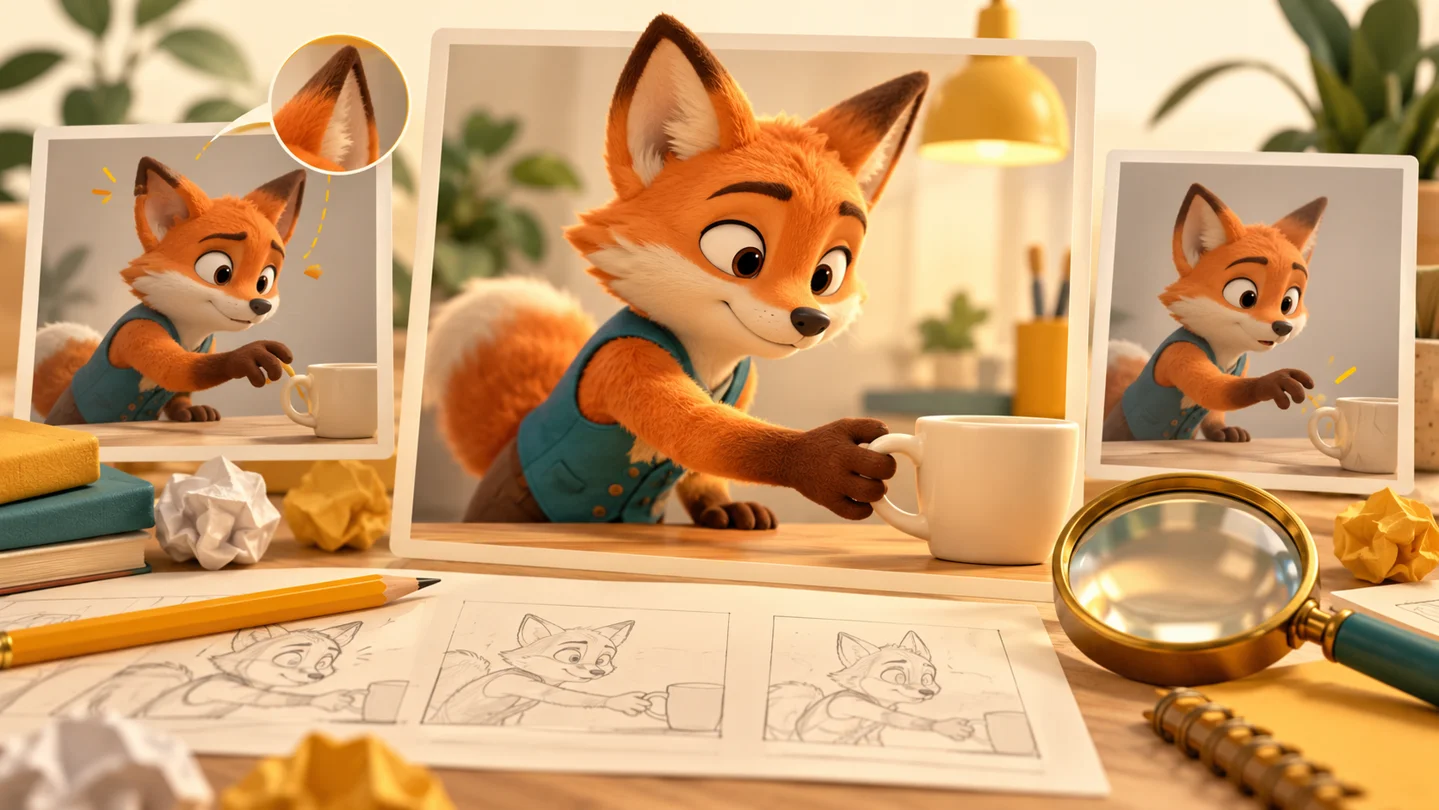
Character consistency and precise revision are major production concerns. A clip can look convincing at first glance while changing a costume detail, hand shape, prop or facial proportion between frames. Across shots, variations may be more noticeable. Use approved reference views and a clear review checklist. Check silhouette, colors, expressions and distinguishing details against the same reference. A reusable character needs more than a recognizable first frame.
- Physical interaction: inspect hands touching objects, feet meeting the ground, overlapping bodies and moving accessories. A plausible image is not proof that an action remains coherent over time.
- Performance direction: subtle timing, deliberate pauses and a particular emotional change may require detailed artist control. Repeated prompting is not equivalent to adjusting a specific pose on a timeline.
- Editability: ask whether the output includes animation data, a usable rig or only rendered frames. Export options, scene compatibility and available controls differ between tools. Confirm them with an actual handoff test.
- Rights and confidentiality: check the terms for the chosen tool and plan, permission for inputs, voice and likeness consent, and how uploaded material is handled. Do not assume that every output is exclusive or that a tool’s marketing description resolves a project’s rights questions.
- Continuity and delivery: review transitions between clips, matching environments, audio timing, captions and all required formats. A strong isolated demonstration is not the same as a finished multi-shot film.
These limitations make hybrid workflows useful. Use AI where a test demonstrates value, then use artist-controlled methods where continuity and repeatable revisions matter. For recurring characters, a well-prepared model and rig can support future performances without rebuilding the identity each time. Our character rigging guide explains that foundation. Generative video and editable 3D animation can serve different purposes within the same production.
Before approving a workflow, ask for a representative test, a deliverables list and a revision plan. Agree what happens if generated footage fails the required quality checks. Keep confidential client material out of unapproved services. Treat the choice as a production decision based on evidence, creative intent and control. No single tool removes the need for responsibility over the final story, assets and experience.
Frequently asked questions
What is AI animation?
AI animation uses machine learning to generate moving images or assist animation tasks. Examples include text-to-video, image-to-video, motion estimation and speech-driven facial movement. The result may be a rendered clip or editable data, depending on the tool and workflow.
How does AI turn an image into animation?
An image-to-video system uses a still image as visual input and generates a sequence around it, often with written motion instructions. It creates new frames rather than simply adding a rig to the original image. Character details and movement still need review.
Does AI animation replace animators?
It can change particular tasks, but a production still needs decisions about acting, timing, composition, consistency and quality. The amount of human work depends on the brief and the output. Artist refinement remains especially valuable when exact revisions or recurring characters are required.
Is AI animation cheaper than traditional animation?
Sometimes, for a suitable task. Compare total approved-shot cost, including setup, generation attempts, subscriptions, cleanup and review. A quick initial result may require expensive corrections. Test the approach against your actual quality and revision requirements before estimating savings.
Can AI animation maintain the same character across shots?
Reference images and consistent direction can help, but continuity should be tested rather than assumed. Review proportions, clothing, colors and expressions across the edit. A reusable 3D asset may provide more direct control when the same character must perform repeatedly.
What is the difference between AI animation and AI motion capture?
AI animation is a broad term. AI motion capture is one approach that estimates performance from recorded footage and produces movement data. Generative video instead produces frames. Check whether your chosen tool delivers footage, editable motion or an editable scene.
Can AI-generated animation be used commercially?
That depends on the tool’s terms, subscription, inputs and intended use. Verify permissions for images, music, voices and likenesses, along with client requirements. Do not assume that commercial use automatically provides exclusive rights. Obtain appropriate advice when rights are uncertain.
What should I prepare for an AI-assisted animation project?
Prepare the audience, message, script or runtime, character references, platforms, deadline and required files. Identify approved inputs and decision-makers. Ask for a difficult representative shot to be tested first, with clear criteria for consistency, quality and revision flexibility.
Conclusion: choose the workflow around the story
AI animation is most useful when it solves a defined production problem. It can support exploration, movement and selected tasks, while human direction gives the result a coherent story and deliberate performance. Start with a clear brief, test a representative shot and judge the complete workflow rather than the speed of a single generation.
Planning a character-led film or campaign? Explore Mimic Cartoon’s animation services or send the studio your brief to discuss the story, assets and level of control your project needs.